
Photo Editing Presets for Moody Landscapes: A 2026 Guide to Cinematic, AI-Assisted Dark Tones
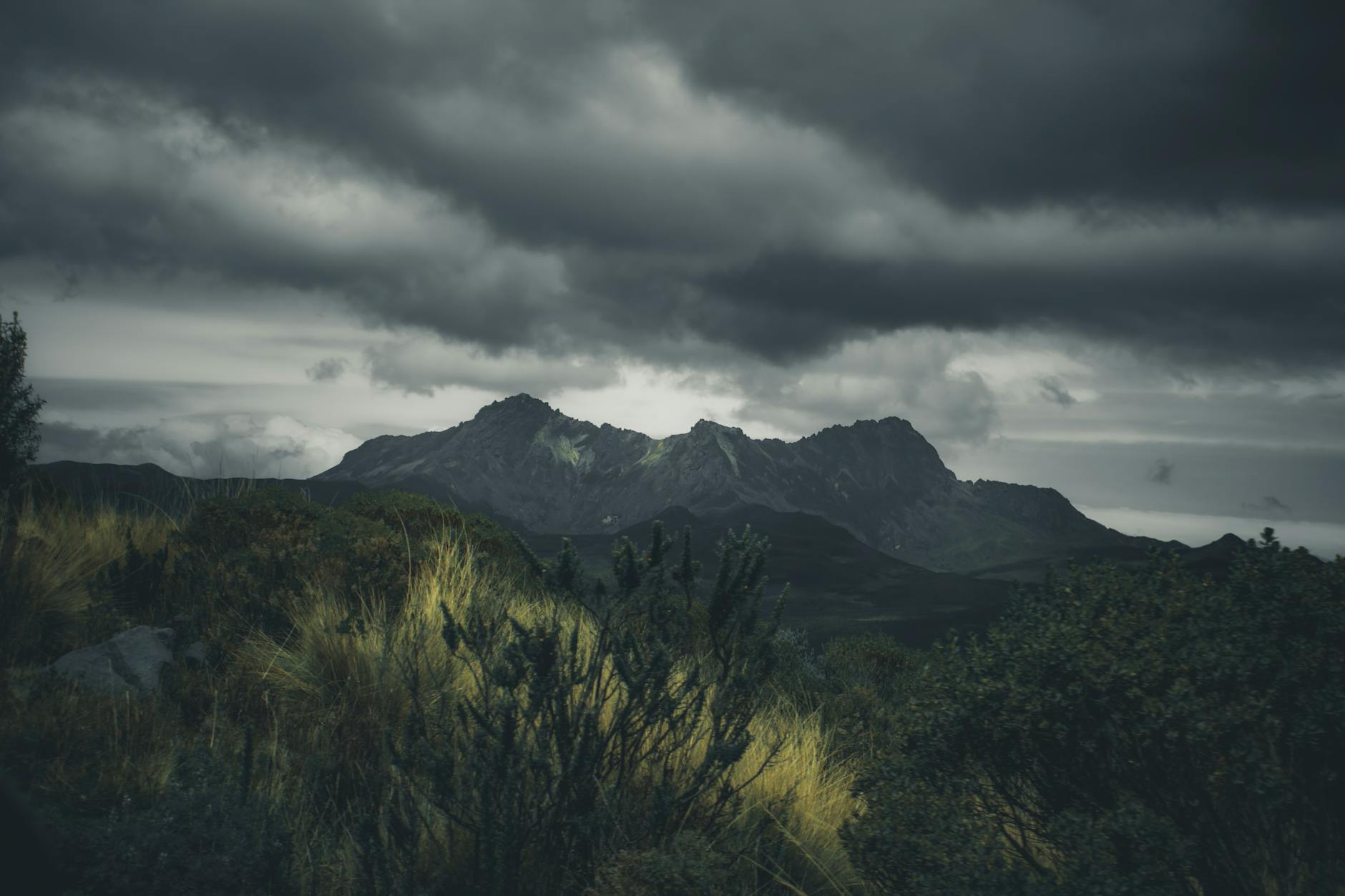
The photography world is shifting fast. As we head into 2026, one of the seven biggest trends reshaping how we shoot and edit is the rise of AI-assisted creative workflows—tools that don’t replace your vision but dramatically speed up how you achieve it. For landscape photographers obsessed with atmosphere, this means one thing: your preset workflow is evolving. Whether you’re shooting fog-drenched Pacific Northwest coastlines or brooding Scottish highlands, the right photo editing presets for moody landscapes can cut your editing time by 60% while delivering that cinematic, emotionally weighted look that defines modern landscape photography.
But here’s the problem. Most preset packs flooding the market in 2026 are still built on 2019 logic—heavy vignettes, crushed blacks, and oversaturated teal-orange splits that scream “template.” Today’s moody landscape work demands subtlety, environmental storytelling, and tonal control that adapts to your specific light conditions. This guide breaks down how to build, buy, and refine photo editing presets for moody landscapes that actually work in the current creative climate.
Why 2026 Presets Need to Move Beyond the “Dark and Moody” Cliché
The preset market has matured, and so have viewer expectations. Scroll through landscape photography hashtags in 2026 and you’ll notice a clear evolution: the best work now prioritizes depth over darkness, texture over flatness. The old formula—drop exposure by two stops, push dehaze to 80, slap on a teal split tone—creates images that feel processed rather than felt.
Modern moody landscapes need presets that preserve micro-contrast in shadow regions, maintain natural color relationships in mixed light, and handle the extended dynamic range of today’s 14+ stop sensors. When evaluating photo editing presets for moody landscapes, look for these technical markers:
- Luminance-based HSL adjustments rather than blanket saturation cuts
- Curves that lift near-blacks instead of clipping to pure black
- Temperature-specific profiles (golden hour fog reads differently than blue hour rain)
- Grain and texture controls that respond to ISO, not just aesthetic preference
The photographers winning commissions and print sales in 2026 aren’t using one-click solutions. They’re using presets as starting architectures—structured starting points that preserve 80% of their decisions while leaving room for scene-specific refinement.
Building Your Core Preset System: Three Tonal Families
After testing dozens of workflows and consulting with working landscape professionals, I’ve distilled effective moody landscape editing into three preset families. Each serves different atmospheric conditions and emotional registers. Your personal library should include all three, customized to your camera’s color science.
The Mist Preset: Atmospheric Reduction
Designed for fog, heavy overcast, and pre-dawn shooting. This preset family reduces overall contrast while enhancing local contrast—seemingly contradictory until you understand the mechanism. The global curve flattens (protecting highlight detail in bright fog), while Clarity and Texture push mid-frequency detail. Dehaze sits at 10-15, not 40+. Color grading emphasizes cool shadows (210° hue, 8-12 saturation) with slightly warm highlights (45° hue, 5-8 saturation), mimicking natural atmospheric perspective.
Key calibration point: Test this preset on a fog scene with visible background layers. You should distinguish three depth planes clearly. If the image collapses to gray mush, your luminance curve is too flat.
The Storm Preset: Controlled Drama
For post-storm light, breaking clouds, and high-contrast transitional weather. This family uses the full dynamic range aggressively but precisely. Blacks sit at RGB 8-12 (never 0). Highlights compress through highlight priority curves rather than simple reduction. The signature move: split-toned shadows at 200° (deep blue-cyan) with highlights at 55° (amber)—but with saturation mapped to luminance, so brighter highlights receive more color influence.
Storm presets fail most often through over-application. The 2026 approach uses masking presets—pre-built local adjustments for sky, foreground, and middle ground that auto-detect using AI masking (Lightroom’s Select Sky/Subject, or Luminar Neo’s atmosphere AI). Apply the base Storm preset globally, then use masked variants for zone-specific refinement.
The Twilight Preset: Liminal Color
Blue hour, civil twilight, and artificial/natural light mixing. This is the most technically demanding moody landscape condition, and presets here must handle extreme color temperature disparities. The Twilight family prioritizes white balance flexibility—built as “temperature adaptive” presets that shift their color grading response based on your WB slider position.
Critical technical note: These presets should never bake in heavy blue casts. Instead, they use calibrated color grading that enhances existing twilight colors while keeping mixed light sources (street lamps, window glow, bioluminescence) in their natural relationships. The emotional target is liminality—that suspended moment between defined states.
The AI Integration Edge: 2026 Workflow Optimization
Here’s where the 2026 trend landscape directly impacts your preset strategy. AI tools have matured beyond gimmickry into genuine workflow accelerants. The smartest photographers now build AI-assisted preset hybrids:
- Lightroom’s Adaptive Presets combine traditional develop settings with AI mask configurations. Your “Moody Forest” preset can now include auto-detected tree line masking, localized dehaze for atmospheric depth, and subject-aware sharpening for foreground elements.
- Capture One’s Style Brushes with AI layers allow preset combinations that were previously impossible—selective shadow recovery in foliage while maintaining crushed blacks in water reflections.
- Third-party integration (Luminar Neo, ON1 Photo RAW) enables preset systems that include AI sky replacement templates calibrated for moody lighting—not just dramatic sunsets, but overcast, fog, and storm variants.
The practical workflow: Shoot your moody landscape session, apply your base preset family, then run AI analysis to identify which images need mask-specific variant presets. A 40-image session that previously required individual attention now gets 80% automated with 20% manual refinement on your selects.
This isn’t about less craft. It’s about directing your craft where it matters. The 2026 landscape photographers winning awards aren’t spending less time editing—they’re spending the same hours, but on 12 final images instead of 40 mediocre ones.
Where to Source Presets (and What to Avoid)
The honest truth: most commercial photo editing presets for moody landscapes are reverse-engineered from popular Instagram accounts and don’t hold up in print or large-format display. When evaluating purchases or free downloads, run this quality check:
- Do presets include tool-specific versions? Professional offerings provide Lightroom Classic, Lightroom CC, Capture One, and often Luminar/ON1 variants. Single-format sellers are usually amateurs.
- Are there exposure-calibrated variants? A proper preset system includes -1EV, 0EV, and +1EV base versions, since moody landscape exposures vary dramatically.
- Does documentation explain the color science? Quality preset makers articulate their tonal philosophy. Vague “cinematic look” descriptions signal copycat products.
- Are update cycles recent? Presets built before 2024 rarely account for current camera profiles and AI integration capabilities.
Recommended 2026 sources with genuine technical depth: Northlandscapes (Jan Erik Waider’s consistently refined Arctic-specific work), Tribe Archipelago (film-forward but technically precise), and emerging makers on platforms like Gumroad who provide detailed video documentation with their products.
Calibrating Presets to Your Specific Camera and Locations
The final step most photographers skip: preset personalization. Even excellent presets require calibration to your camera’s color science and your primary shooting locations.
Run this calibration sequence:
- Shoot a controlled test scene in your typical moody conditions (overcast forest, foggy coastline, etc.) with a color checker or known reference objects
- Apply your candidate preset
- Adjust only white balance, exposure, and profile-specific settings (Adobe Standard vs. Camera Neutral, etc.) to match your visual memory of the scene
- Save these adjustments as your location-calibrated variant
Within three shooting sessions, you’ll build location-specific versions that require only minor tweaking. My personal library now contains 12 calibrated variants across three preset families—far more efficient than 50+ generic presets I’ll never fully master.
Conclusion: Presets as Creative Infrastructure, Not Crutches
The best photo editing presets for moody landscapes in 2026 function as creative infrastructure—reliable starting architectures that preserve your artistic decisions while eliminating repetitive technical work. As AI tools mature and viewer sophistication increases, the competitive edge shifts from “finding the magic preset” to building intelligent, personalized systems that let you execute your vision faster and more consistently.
Start with the three tonal families outlined here. Test commercial offerings rigorously against technical criteria, not just Instagram appeal. Invest the time to calibrate to your specific equipment and locations. The photographers thriving in 2026’s landscape market aren’t chasing trends—they’re building sustainable, efficient workflows that let them spend more time in the field, capturing the atmospheric conditions that inspired their moody vision in the first place.