
Best Camera Settings for Indoor Sports Photography Beginners: The 2026 Gym-Ready Guide
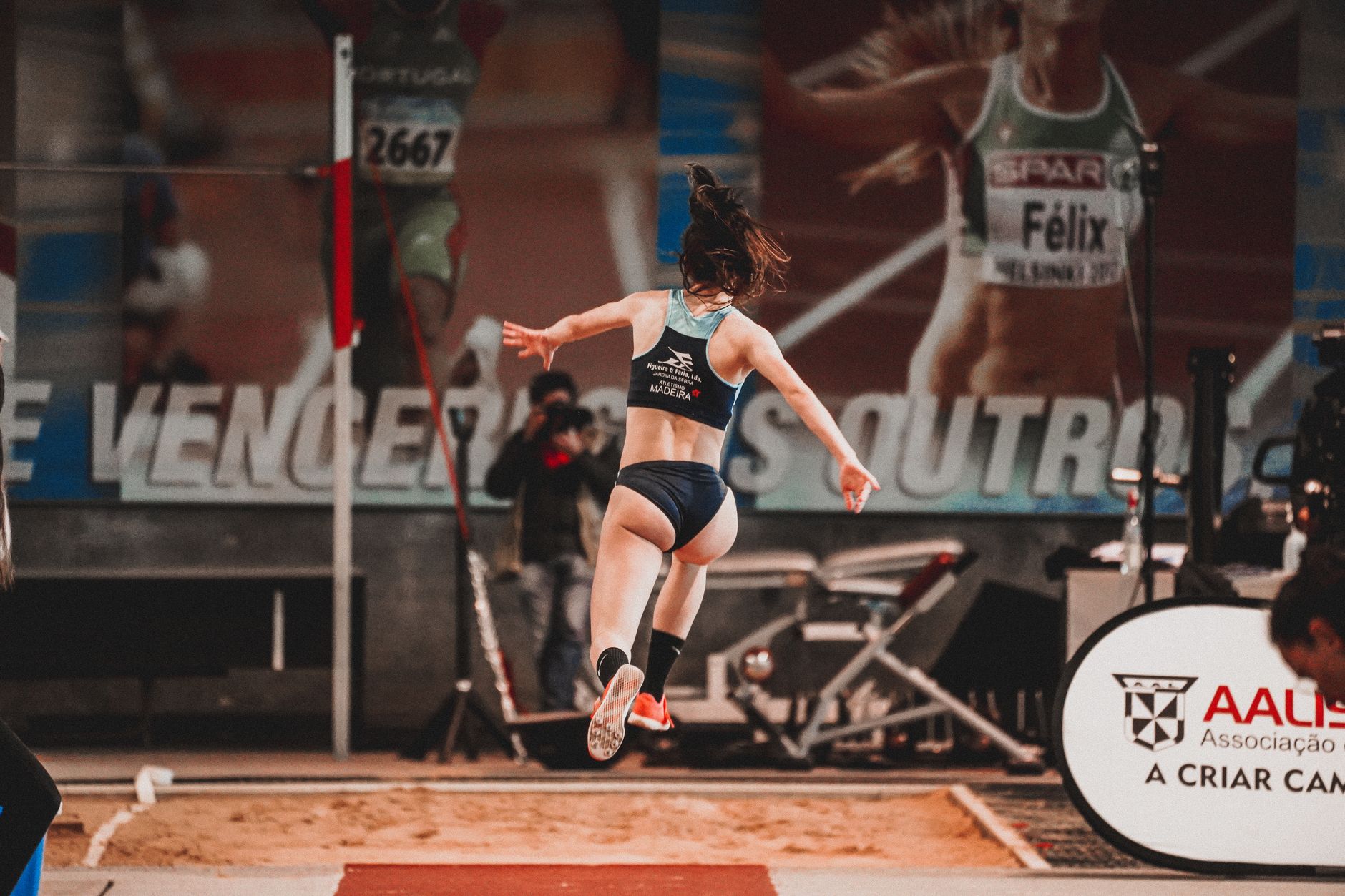
The 2025-2026 basketball and volleyball seasons are in full swing, and if you’ve been to a high school gym lately, you’ve noticed something: the lighting is still terrible, but the cameras have gotten smarter. With the new generation of mirrorless bodies released this fall—featuring AI subject detection that can track a point guard through a crowd—there’s never been a better time to shoot indoor sports. Yet I still see parents and new photographers walking into gyms with their cameras set to Auto, hoping for the best, and walking away with blurry, noisy disappointment.
Finding the best camera settings for indoor sports photography beginners isn’t about buying the most expensive gear; it’s about understanding the exposure triangle when you can’t control the light. Whether you’re shooting your kid’s Friday night basketball game or a local volleyball tournament, these settings will get you sharp, clean images without needing a $6,000 professional setup.
Why Gym Lighting Is Your Biggest Enemy (And How to Beat It)
Indoor sports present a perfect storm of photographic challenges: fast-moving athletes, mixed lighting temperatures (those awful sodium vapor or LED panels), and light levels that are deceptively dim to the human eye but catastrophic for cameras. Your eyes adjust to the gym’s brightness, but your camera sensor needs significantly more light to freeze a 15-year-old sprinting down the court.
The core problem is physics. To freeze motion, you need a fast shutter speed—typically 1/500th of a second or faster for court sports. But in a dim gym, opening your aperture wide (f/2.8 or f/4) and cranking your shutter speed means your ISO has to climb into the stratosphere to compensate. The result? Noise that looks like colored sandpaper on your images.
Modern cameras in 2026 handle high ISO better than ever—full-frame bodies like the Sony A7 IV or Canon R6 Mark II can shoot clean images at ISO 6400—but you still need to know where your specific camera’s “sweet spot” lies. For APS-C shooters (like the Fujifilm X-T5 or Sony a6700), that ceiling is usually ISO 3200-4000. For Micro Four Thirds, stick to 1600-2500.
The Exposure Triangle: Your Starting Lineup
Forget Auto mode. Here are the exact best camera settings for indoor sports photography beginners to dial in before the whistle blows:
Shutter Speed: 1/500s minimum For basketball and volleyball, start at 1/500s. If you’re shooting wrestling or martial arts with less lateral movement, you might get away with 1/320s, but don’t go slower. The slight motion blur in hands and feet is acceptable if faces are tack-sharp, but anything slower than 1/250s will give you ghosting on fast breaks.
Aperture: Wide Open (f/2.8 or f/4) Use the lowest f-number your lens allows. If you have a 70-200mm f/2.8, shoot at f/2.8. If you’re using a kit lens that maxes out at f/5.6, you’ll need to raise your ISO significantly higher. This is why the “nifty fifty” 50mm f/1.8 lens ($125-200) is the secret weapon of budget indoor sports shooters—that f/1.8 aperture gathers four times more light than f/4.
ISO: Auto with a Ceiling Set your ISO to Auto, but cap it. In your camera menu, set the maximum ISO to 6400 (full-frame) or 3200 (crop sensor). This prevents the camera from jumping to ISO 25,600 and producing unusable mush. If your images are still too dark at these settings, add +1 stop of exposure compensation rather than raising ISO further.
Shooting Mode: Manual with Auto ISO This gives you control over shutter speed and aperture while letting the camera handle ISO fluctuations as players move from the dark corners to the center court lights.
Autofocus Settings That Actually Track Athletes
Nothing ruins a sequence like back-button focus that hunts while the winning shot sails through the net. Modern mirrorless cameras have revolutionized indoor sports autofocus, but only if you configure them correctly.
Switch to Continuous AF (AF-C on Sony/Nikon, AI Servo on Canon). Then, enable Subject Detection and set it to “Human” or “Animal” depending on your sport (yes, some cameras detect soccer balls and basketballs now). For zone focusing, use a medium-sized zone—about 1/9th of the frame—rather than a single point. This gives the camera room to track a player cutting across the key without losing them when they briefly pass behind a referee.
If your camera has Eye AF, turn it on, but know its limits. In dim gyms with fast action, Face/Eye detection sometimes lags behind the action. When that happens, switch to “Wide Area” tracking and let the camera find the body first, then the face.
Pro tip for 2026 shooters: If you’re using one of the new stacked-sensor cameras (like the Nikon Z6III or Sony A9III), enable the “Pre-burst” or “Pre-capture” mode. It buffers images before you fully press the shutter, capturing that split-second block or spike you thought you missed.
Lens Choices and Budget-Friendly Alternatives
You don’t need a $2,500 70-200mm f/2.8 to get started, but you do need to understand your lens limitations. If you’re shooting with the kit 18-55mm f/3.5-5.6 that came with your camera, position yourself near the baseline or sidelines where the action comes to you, and shoot at the widest focal length (18mm) to maximize light gathering.
For under $500, consider these 2026 budget champions:
- 50mm f/1.8 (any brand): Sharp, fast, and forces you to anticipate plays rather than zoom lazily
- Used 70-200mm f/4: Often available for $400-600, and f/4 is workable at ISO 3200
- 85mm f/1.8: Perfect for volleyball from the stands, giving you reach without the weight
Avoid variable aperture zooms (like 55-250mm f/4-5.6) indoors. That f/5.6 at the long end will force your ISO into the noise stratosphere. If you must use one, stay at the wide end (55mm) and crop in post.
White Balance and File Format Strategy
Gym lighting is a white balance nightmare—usually a mix of tungsten, fluorescent, and LED that creates sickly green or orange skin tones. Don’t trust Auto White Balance (AWB) here. Instead:
- Set a custom white balance using a gray card or the white lines on the court before the game starts
- If you must guess, start at 3800K for LED gyms or 3200K for older tungsten lighting
- Shoot in RAW, not JPEG. RAW files give you the latitude to fix color casts and recover shadows in post-processing without destroying image quality
In 2026, most editing software (Lightroom, Capture One, even free options like Darktable) includes AI-powered noise reduction that can save ISO 6400 shots that would have been trash five years ago. But you need the RAW data to make it work.
Putting It All Together for Game Night
Arrive 30 minutes early. Find your spot—ideally mid-court, elevated if possible, with your back to the main light source (windows or the brightest bank of lights). Dial in your settings: Manual mode, 1/500s, f/2.8 (or lowest available), Auto ISO capped at 3200, Continuous AF with subject detection.
Take test shots of the warm-ups. Zoom in on the LCD to check for motion blur and noise. If players’ faces look like watercolor paintings, raise your shutter speed to 1/640s or 1/800s and accept the higher ISO. A sharp, grainy photo is always better than a smooth, blurry one.
Remember, the best camera settings for indoor sports photography beginners are simply a starting point. Every gym has different lighting, and every sport has different rhythms. The settings above will get you 80% of the way there, but that final 20% comes from anticipating the play, positioning yourself where the action happens, and shooting in short bursts rather than machine-gunning the entire game.
This season, stop fighting your camera and start working with it. Master these settings, and you’ll walk out of that dim gym with images that look like they were shot under professional arena lights.